PayPlay · guest jukebox
Digital jukebox: guests pay to play
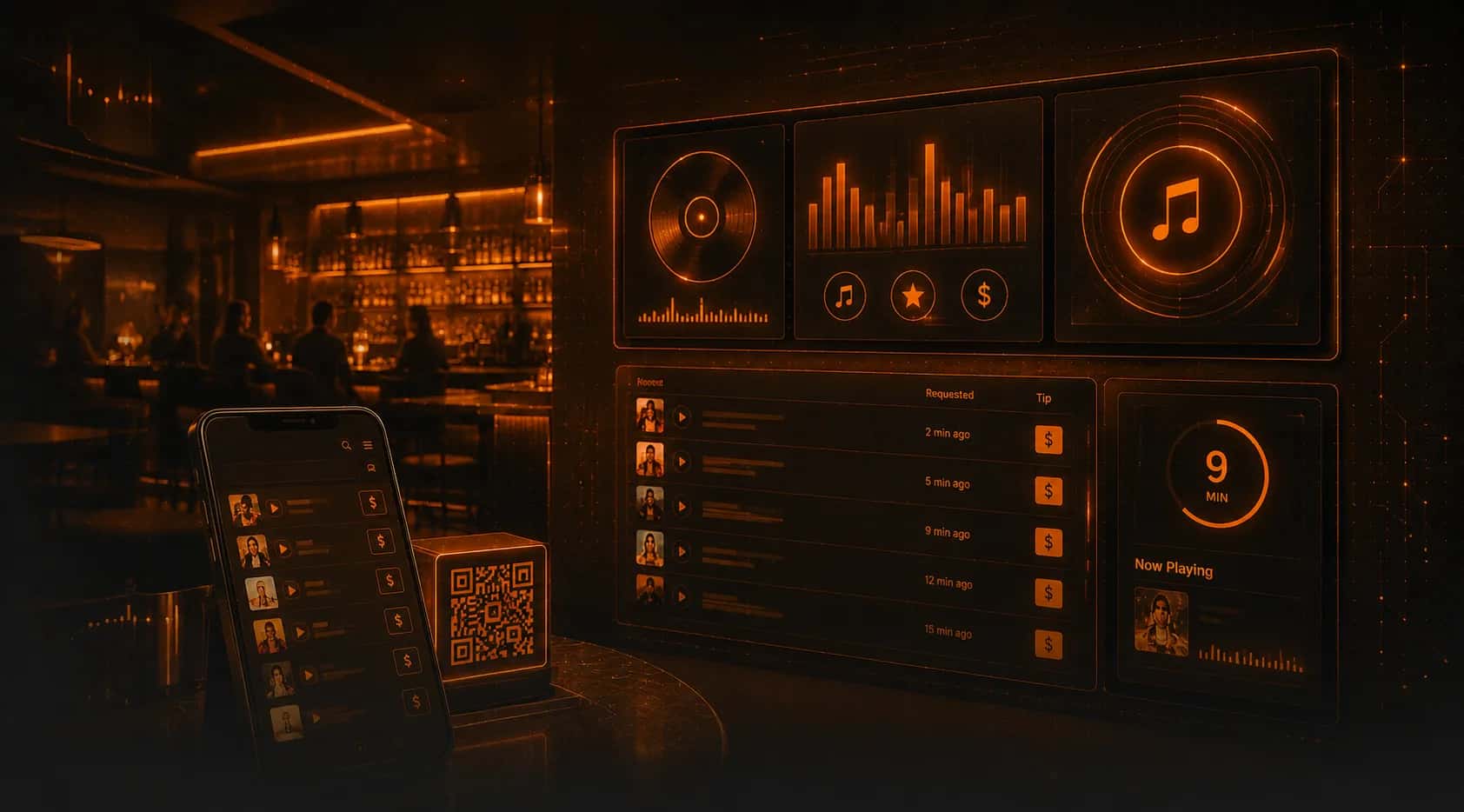
PayPlay is a browser-based song-request jukebox for bars, pubs and clubs. Guests scan a QR, request a song from your curated catalog, and can pay to fast-track it. No box, no operator, no app — and the revenue is yours.
A jukebox built for today
No hardware, no operator cut — just your music and your revenue.
No hardware, no app
Guests scan a QR and request from their own phone — in the browser. Nothing to install or buy.
Pay to play next
Guests can pay to fast-track a song to the front of the queue — your “Play Next”.
You keep the revenue
No amusement operator taking a cut. Payments go to you.
On-brand curated catalog
Guests pick only from songs you approve — your vibe stays intact.
Geofenced to your venue
Only guests in the venue can request — automatic location check.
Per-zone schedule
Turn requests on/off by zone and by hours that suit each room.
How PayPlay works — three taps
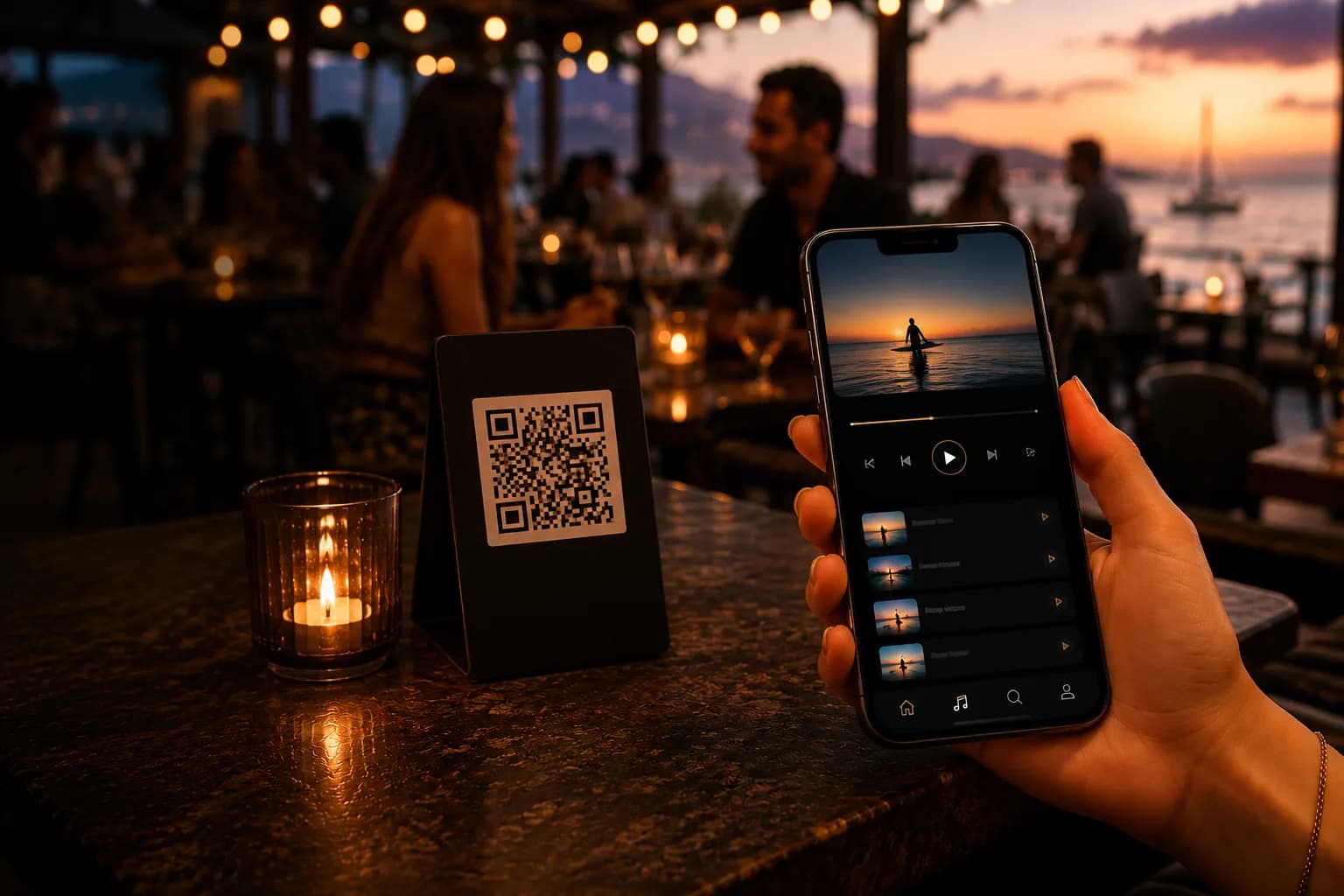
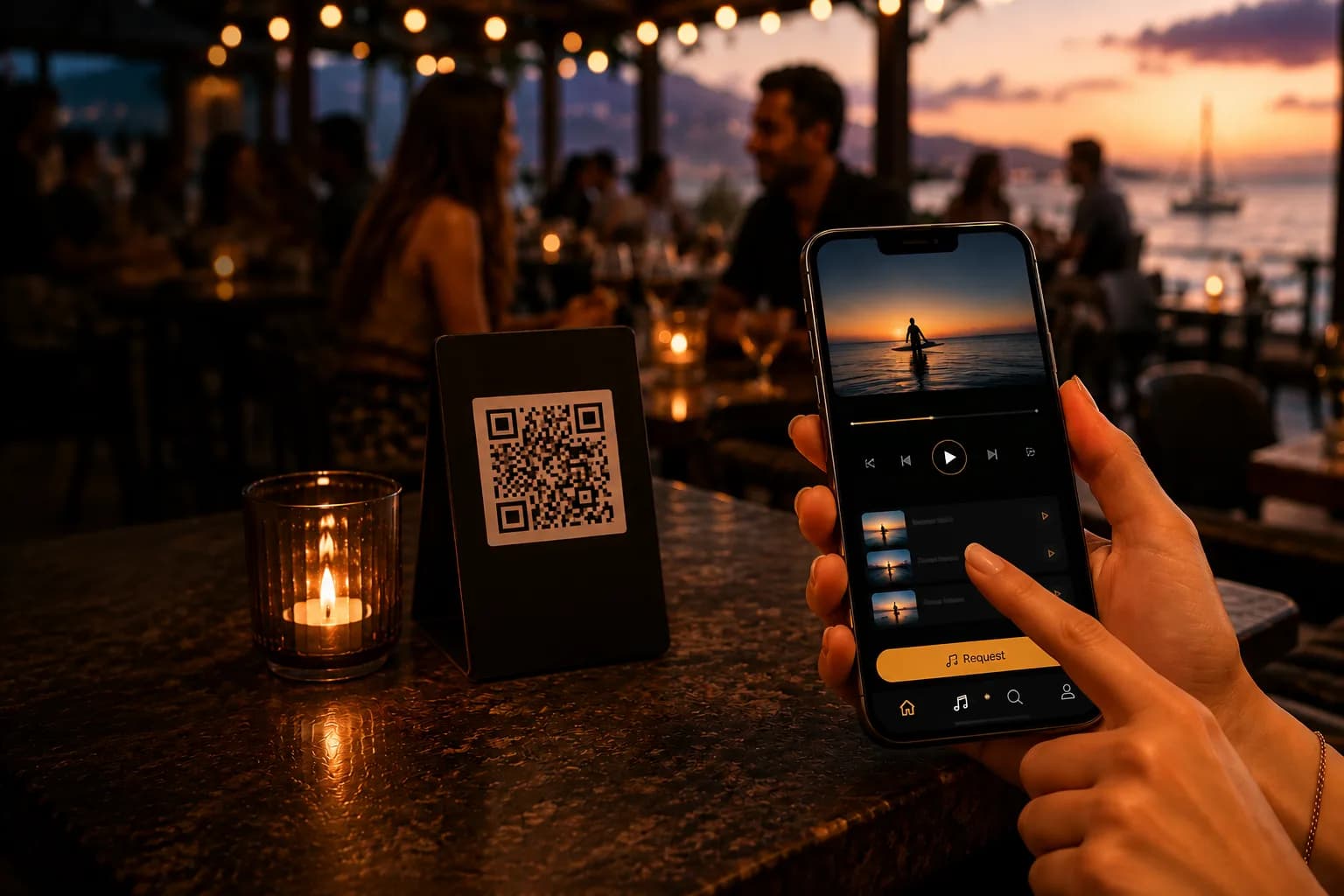
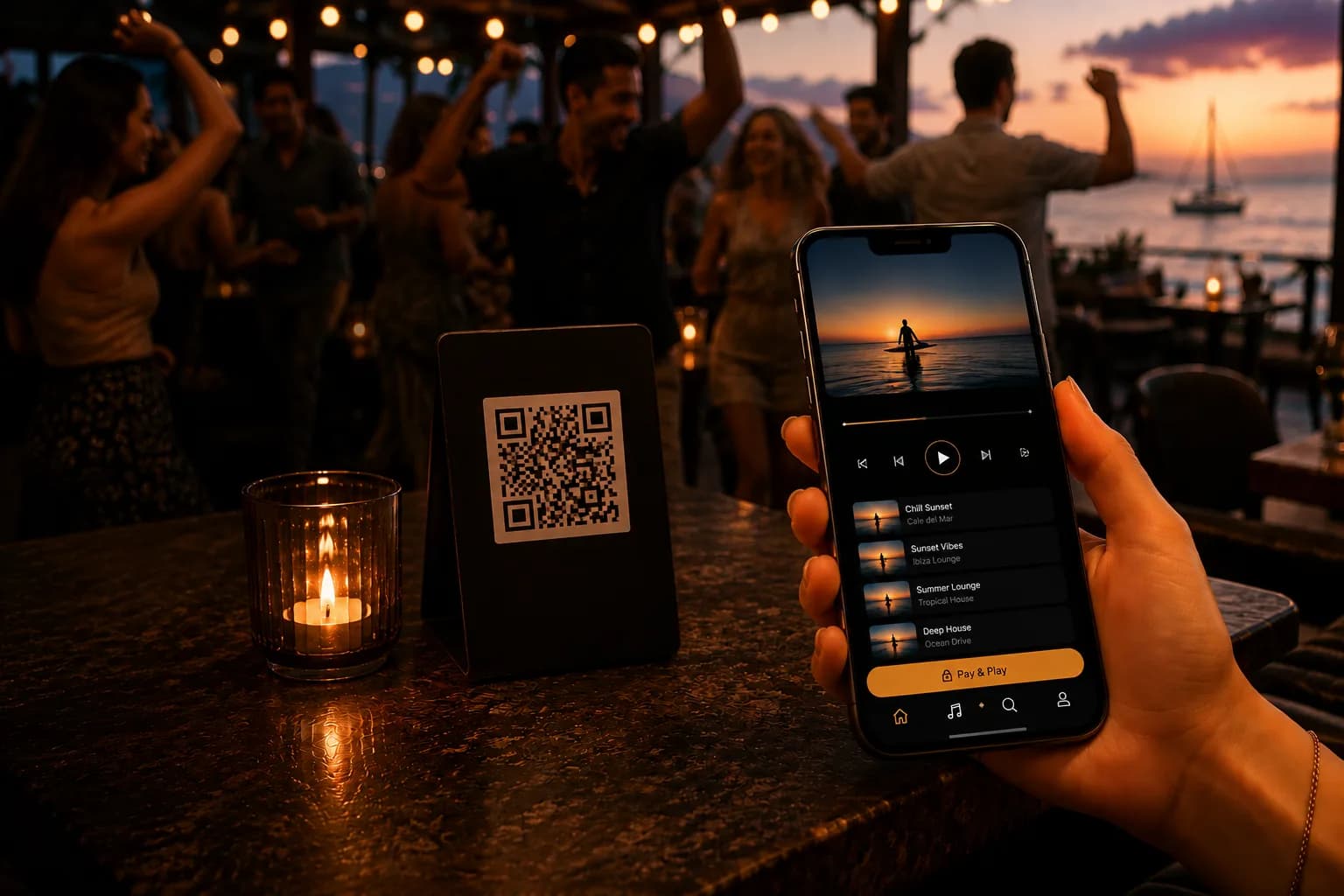
Guest scans the QR
A QR on the table or bar opens PayPlay in the browser — no download, geofenced to your venue.
Picks a song
They choose from your curated, on-brand catalog — never anything off-brand.
Pays to fast-track it
Optional payment pushes the song up the queue and it plays — the revenue is yours.
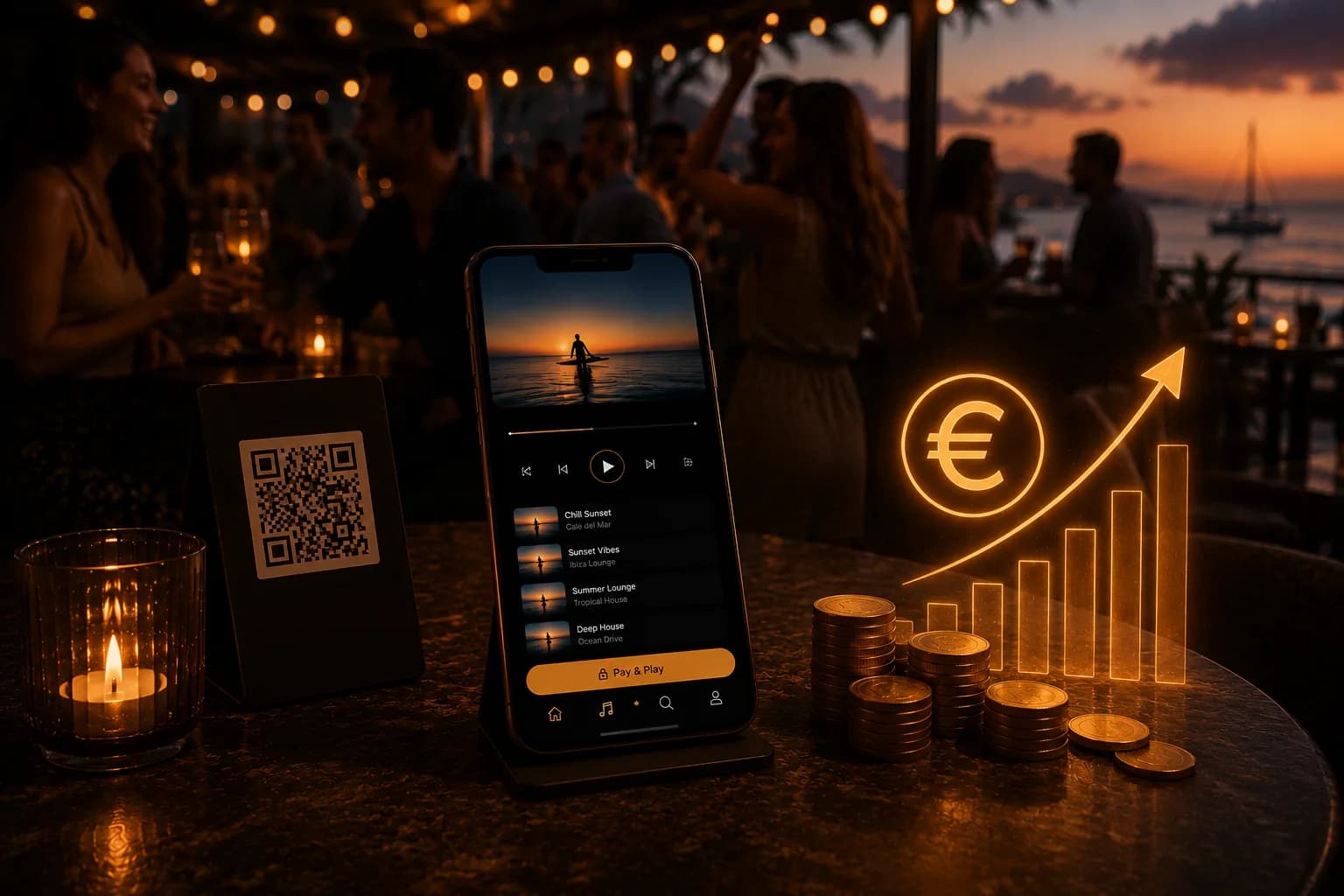
A revenue stream, not a cost
Most music services are a monthly bill. PayPlay turns your sound system into a profit center: guests happily pay a euro to hear their song next, especially on busy nights — and every payment goes to you, not an operator.
Why not a coin jukebox?
Because the old box costs you control and margin.
No box, no operator cut
Traditional jukeboxes need installed hardware and an operator who takes a share of every play.
No app to download
Coin-jukebox apps make guests install software and check in at a machine. PayPlay is just a QR.
Your catalog, your brand
Open jukeboxes play anything; PayPlay limits requests to songs you approve — and runs your normal music too.
Part of Connect & the platform
PayPlay lives inside Connect — your guest app — and shares the same dashboard as your music and screens.

Made for nightlife & social venues
Where guests love to shape the soundtrack.
PayPlay — FAQ
Do guests need an app or special hardware?+
No. PayPlay runs in the browser — guests scan a QR and request from their phone. There’s no jukebox machine to buy and no operator involved.
How does “pay to play” work?+
Guests can request a song for free or pay to fast-track it to the front of the queue (“Play Next”). Payments — via Apple Pay, Google Pay or card — go to you.
Can guests only pick from songs I allow?+
Yes. Requests are limited to your curated, on-brand catalog, so nothing off-brand ever plays.
Can I limit it to certain times or zones?+
Yes — enable PayPlay per zone and set the hours that suit each room. It’s also geofenced so only guests in the venue can request.
Is PayPlay separate from my normal music?+
No — it’s part of Connect and runs alongside your scheduled background music on the same platform.

Turn your music into a revenue stream
Create a free account and let guests pay to play — no jukebox, no operator, all yours.