
Bars & pubs
Build the night — and earn from it
Music that rises with the crowd, a jukebox guests pay into, every game on every screen and promos that sell the next round. One dashboard, controlled from your phone.
Everything a bar needs
From the first drink to last orders.
A night in your bar
MUSICDJ follows the energy of the room.
- 1
17:00 · After work
Laid-back playlist, happy-hour prices on the screens, an AI jingle every 20 minutes.
- 2
20:45 · Kick-off
The match on the big screens, the menu and promos around it in a split layout.
- 3
22:00 · Crowd takes over
PayPlay opens — guests pick the next songs and pay to play them first.
- 4
00:00 · Late night
High-energy music, last-call promo on every screen, volume set from your phone.
A jukebox that pays you
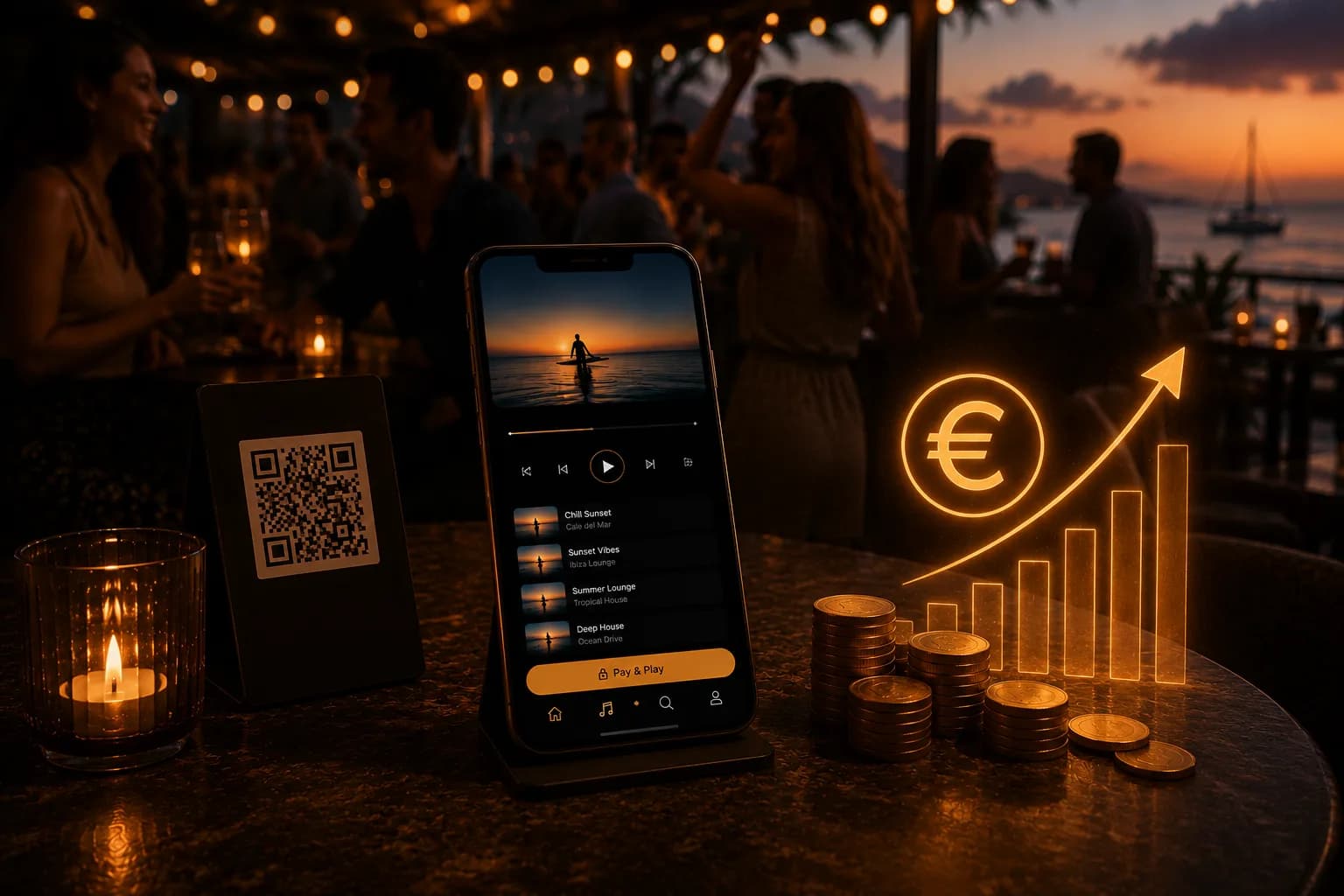
Guests scan a QR, choose from songs you approve and can pay to fast-track their pick. No machine, no operator taking a cut — every payment goes to you, and you see earnings in real time.
Every screen working for you
Show the game, wrap it with your drinks offers and keep the menu in the corner. Switch channels and screens from the Remote app, and schedule promos for match days automatically.

Get set up the easy way
Use your current TVs and speakers, or get a ready-to-play setup with installation.
Bars & pubs — FAQ
How does PayPlay make money for my bar?+
Guests can pay to move their song to the front of the queue. Payments go to you, and you only allow songs that fit your bar.
Can I show live TV and my promos together?+
Yes. IPTV runs on the Android player and can be combined with signage layouts, so the game and your offers share the screen.
Do I need a TV remote?+
No. Channels, screens and volume are controlled from the MUSICDJ Remote app or the dashboard.
Can the music change by itself during the night?+
Yes. Schedule playlists by hour and by zone, from after-work to late night.
Can guests order drinks from the table?+
Yes. The QR menu lets guests order and pay without waiting at the bar.
Is the music licensed for business use?+
Yes. Our catalog is licensed for commercial use, unlike personal Spotify or Apple Music. Public-performance fees to your local collecting society are paid by the venue, as with any business music.
What hardware do I need?+
Nothing special to start: the Web Player runs in any browser, and the Android and Windows players run on boxes, screens and PCs you may already own. The MUSICDJ PLAYBOX adds offline playback, remote monitoring and silent updates.
Can I limit song requests?+
Yes. Turn PayPlay on per zone and per hour, and requests only work for guests inside your venue.

Bring MUSICDJ to your bar
Create a free account and run music, screens and the jukebox tonight.