
Digital Menu vs Paper Menu: Costs, Speed and Guest Experience
Print savings are the least interesting part of the digital menu vs paper menu debate. The real competitive gap lies in update speed, upsell capability and guest engagement data — three areas that rarely appear on a cost spreadsheet but directly affect revenue and satisfaction.
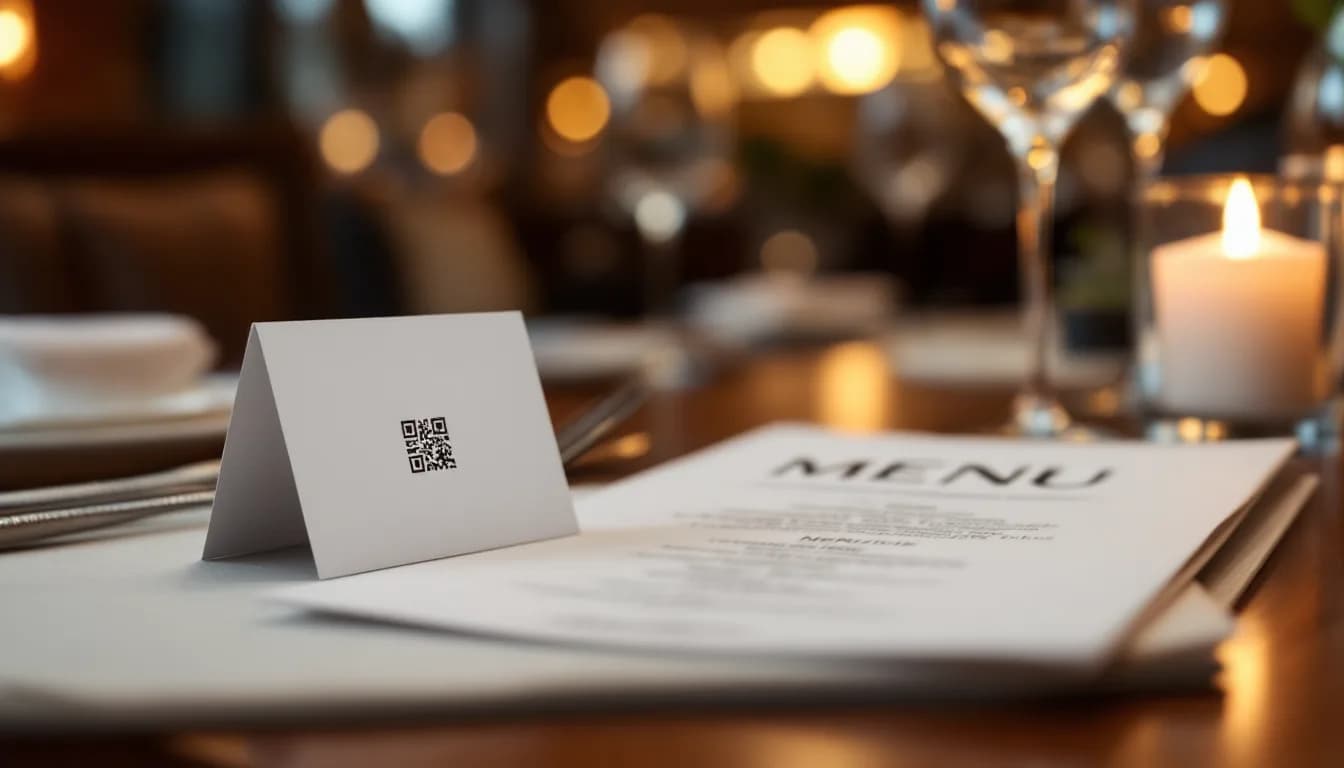
- —Print cost savings are real but represent the smallest part of the value case for digital menus — update speed and upsell opportunity matter more.
- —Paper menus create an update latency problem: every price change or 86'd item erodes guest experience and margin until the next reprint cycle.
- —Digital menus enable day-parting, contextual upsell prompts and visual hierarchy adjustments that paper cannot replicate without a full redesign.
- —A significant portion of guests — particularly older demographics and fine-dining patrons — still prefer a physical menu; a hybrid approach is often the strongest position.
- —Paper menus generate zero behavioural data; digital menus create an engagement layer that informs menu engineering over time.
- —The most useful single metric when making the decision is cost-per-update: how many reprints per year, multiplied by the cost of each run, compared against an annual platform subscription.
The Real Comparison Starts After the Print Bill
When venue operators first evaluate the digital menu vs paper menu question, print cost savings dominate the conversation. It is an understandable starting point — reprints are visible, recurring and easy to quantify on a spreadsheet. But it is also the least interesting part of the comparison.
The more consequential gap between paper and digital menus shows up in three areas that rarely appear in a cost model: how quickly a menu can be updated, how effectively it converts a browsing guest into a higher-value order, and what the menu touchpoint can tell you about guest behaviour. These factors affect revenue and satisfaction in ways that a reduction in print spend simply cannot.
This article addresses costs honestly — including the cases where paper remains defensible — before moving to the factors that actually shift the needle on gross profit per cover and guest experience quality. The comparison applies to restaurants, cafes, bars, and hospitality venues of any size, not only high-volume operations.
Counting the True Cost of Paper Menus
The visible cost of a paper menu is the print bill. The true cost is considerably wider.
A typical paper menu cycle includes:
- Initial design fees and layout work
- Print runs sized to seat count, with overage for damage and loss
- Lamination or binding for durability
- Replacement cycles as copies become worn, soiled or outdated
- Reprinting triggered by price changes, seasonal rotations or item additions
The hidden cost multiplier is obsolescence. Every time a dish is 86'd, a price changes, or a new special rotates in, some portion of the existing print run becomes inaccurate. Venues absorb this silently — either by serving items at the wrong price, disappointing guests with unavailable dishes, or training staff to verbally override the printed menu. None of these outcomes are free.
Costs also scale with menu complexity. A venue running a main menu, a bar menu, a dessert menu and a weekly specials insert is managing several parallel print cycles, each with its own design, approval and replacement rhythm.
It is worth being direct about the exception: for a very small, stable operation — a two-page cafe with minimal changes across the year — paper costs are genuinely low. The argument for switching on cost grounds alone is weaker in that context, and this article will not pretend otherwise.
The more useful frame is the concept of the cost of inaction: the revenue not captured because the menu could not be updated in time. A sold-out item still listed creates a disappointment. A high-margin special that did not make it onto the menu before a busy weekend is a missed upsell opportunity. These costs are real but rarely appear on any spreadsheet.
What Digital Menus Actually Cost
Digital menu is not a monolithic product category, and the cost profile varies significantly depending on the format.
QR-code web apps require no hardware investment on the venue's side. Guests use their own devices to access the menu via a QR code at the table. The primary cost is a platform subscription. There is no per-device hardware cost, no installation, and no display maintenance.
Screen-based digital menu boards require display hardware, mounting, cabling and a digital signage for hospitality venues platform to manage content. The upfront cost is higher, but platforms that combine signage, background music for restaurants and a guest-facing QR app in one dashboard change the per-feature cost calculation — the subscription is shared across multiple operational functions rather than attributed entirely to the menu.
Hybrid approaches combine both: screens in high-visibility areas for featured items and promotions, with QR codes at tables for full menu browsing.
Two honest caveats deserve stating clearly. First, digital menus carry an ongoing subscription cost that paper does not. For a venue with extremely infrequent menu changes and a simple offering, this recurring cost warrants genuine scrutiny rather than a reflexive dismissal of paper. Second, a static PDF served via QR code — a common shortcut — offers almost none of the update-speed or upsell advantages discussed in the sections that follow. The format matters as much as the medium.
Update Speed: Where Paper Menus Quietly Lose Revenue
The update latency problem with paper menus is structural. A price change or new dish requires a design revision, print approval, production and physical replacement — a cycle that routinely takes days and can stretch to weeks for venues without an in-house designer or a nearby print supplier.
During that gap, the venue is operating with inaccurate information in guests' hands. Staff are verbally correcting the menu, which introduces inconsistency. Guests who order a listed item and are told it is unavailable experience a small but measurable disappointment that colours the rest of the visit.
With a live digital menu, a price change, item removal or new special can be pushed across all tables and zones in minutes from a single dashboard, with no print cost and no staff briefing required. The menu guests see is always the menu the kitchen can deliver.
Day-parting is a capability paper cannot replicate at all. A digital menu can automatically surface a lunch set between 12:00 and 15:00, transition to an evening a-la-carte view at 17:00, and promote a late-night bar selection after 22:00 — all without any staff action. For venues with meaningfully different offerings across dayparts, this is a structural operational advantage.
The connection to margin management is direct. Venues that can rotate high-margin specials quickly and retire low-margin items without a reprint cycle have more control over gross profit per cover. The menu becomes a live commercial tool rather than a static document.
MUSICDJ CONNECT digital menu is an example of a QR-based guest web app that delivers the menu alongside now-playing track information and Google review prompts — illustrating how a single digital touchpoint can carry multiple guest engagement functions simultaneously, rather than serving only as a menu replacement.
Upsell Opportunity: The Gap Paper Cannot Close
A paper menu is static at the moment of reading. It cannot respond to context, time of day, table behaviour or inventory levels. Once printed, its commercial hierarchy is fixed until the next redesign.
Digital menus open several upsell mechanisms that paper cannot replicate:
- Contextual prompts: a 'pairs well with' suggestion, a featured dessert surfaced after a main is selected, or a promoted cocktail during happy hour — none of which require staff intervention
- Visual hierarchy control: high-margin items can be pinned to the top of a category, given a featured badge or accompanied by an image — adjustments that on a paper menu require a full redesign and reprint
- AI-generated visuals: a dish with a professionally styled image consistently outperforms a text-only listing in guest selection rates, and AI tools can generate these visuals without commissioning a food photography shoot
The PayPlay guest song jukebox is a useful illustration of how ancillary revenue can be layered onto the same QR touchpoint as the menu. A guest who scans a code to browse the menu can, within the same session, request a song for a small fee — turning a menu scan into a multi-revenue interaction without any additional hardware or staff involvement.
One important qualification: upsell through digital menus is only effective when the menu is well-structured and the prompts are genuinely relevant. A cluttered digital menu with poorly chosen featured items will underperform a clean, well-designed paper menu. The format creates the opportunity; execution determines whether it is captured.
Guest Experience: Hygiene, Speed and the Perception of Modernity
The hygiene dimension of shared physical menus became a visible guest concern during the pandemic period. While acute anxiety has largely subsided, a meaningful segment of guests still notices and values contactless options — particularly in markets with higher health-consciousness or frequent international visitors.
Wait-time perception is a subtler but commercially significant factor. A guest who can browse the menu on their own device immediately upon sitting — before a server arrives — feels less idle and is more likely to have made a decision before the first table visit. This reduces the ordering window, which in turn supports faster table turns without any pressure on the guest.
Accessibility is a practical advantage that is easy to overlook. Digital menus can support font scaling, higher contrast display modes and multiple languages without producing separate printed versions for each need. For venues in tourist-heavy or multilingual markets, this is a meaningful operational simplification.
The counterargument deserves honest treatment. A significant portion of guests — particularly older demographics and those seeking a premium, considered dining experience — actively prefer a physical menu. A well-designed leather-bound menu signals quality, care and permanence in a way that a QR code does not. Dismissing this preference as resistance to change is both inaccurate and commercially unwise.
The stronger positioning for most venues is hybrid rather than replacement. Paper menus remain available for guests who prefer them; the digital version carries the upsell, update-speed and data advantages for those who use it. The two formats coexist without conflict.
The Google review integration within MUSICDJ CONNECT digital menu is worth noting in this context. Prompting a satisfied guest to leave a review at the natural end of their visit — via the same app they used to browse the menu — is a low-friction reputation management tool. The timing is deliberate: the prompt arrives when the guest is most likely to feel positively about their experience, not days later via an email they may not open.
Engagement Data: The Advantage Paper Cannot Offer
Paper menus generate no data. A venue cannot know which sections guests read longest, which items were considered and abandoned, or whether the menu layout is driving or suppressing certain orders. Every menu engineering decision is made on sales data alone, without any visibility into the consideration stage.
Digital menus, when properly implemented, create a behavioural data layer: which items are viewed most, which categories are skipped, and at what point guests stop engaging. This information can directly inform menu engineering — repositioning underperforming items, testing new descriptions, or adjusting visual hierarchy based on actual guest behaviour rather than intuition.
For venues managing music zones, digital signage for hospitality venues and a guest-facing app from a single platform like MUSICDJ's Backstage dashboard, there is a further opportunity: correlating menu engagement with time-of-day, day-of-week and promotional activity to build a more complete picture of what drives covers and spend.
A measured note is warranted here. Not every venue will have the operational bandwidth to act on menu analytics immediately, and the value of this data compounds over time rather than delivering an immediate return. It is most useful for venues with complex menus, multiple locations, or a genuine commitment to ongoing menu optimisation. For a single-site cafe with a stable offering, the data layer is a secondary consideration rather than a primary justification.
Making the Decision: A Framework for Venue Operators
The right answer to the digital menu vs paper menu question is not universal. It depends on venue type, menu complexity, update frequency and guest demographic. A blanket recommendation in either direction would not serve most operators well.
Venues that should prioritise digital menus:
- High-turnover casual dining, cafes and bars where specials change frequently
- Multi-zone venues managing separate bar, dining and terrace menus
- Operations with multilingual guest bases or high tourist footfall
- Any venue where menu changes occur more than once per quarter
- Hotels and guesthouses where the menu touchpoint can integrate with broader guest services
Venues where paper menus remain defensible:
- Fine dining with stable, prestige-positioned menus where tactile quality is integral to the brand
- Very small operations with minimal menu complexity and infrequent changes
- Venues where the guest demographic skews strongly toward guests who prefer physical materials
The most useful single metric when making this decision is cost-per-update. Calculate how many times per year the menu changes, multiply by the full cost of a reprint run (including design time), and compare that figure against the annual cost of a digital platform. For most venues with more than quarterly menu changes, the crossover point arrives sooner than the initial subscription cost implies.
Operators evaluating a QR-based contactless menu solution can explore MUSICDJ CONNECT digital menu for restaurant and hospitality contexts. Those managing a hotel, guesthouse or short-term rental property should also consider the STAY product at /stay, which combines an in-room guest app with direct booking integration and a 24/7 AI guest agent.
The final point is worth restating: the comparison is not binary. The strongest competitive position for most venues is a digital-first menu with a paper fallback — not a full replacement. Guests who prefer paper receive it; the digital version does the commercial and operational work that paper cannot.
Digital Menu vs Paper Menu: Head-to-Head
| Dimension | Paper Menu | Digital Menu |
|---|---|---|
| Upfront cost | Low to moderate (design + print) | Low for QR-based; moderate for screen-based (hardware) |
| Ongoing cost | Reprint cycles per change | Platform subscription; no per-change print cost |
| Update speed | Days to weeks per change | Minutes from a single dashboard |
| Day-parting | Not possible | Automatic schedule-based menu switching |
| Upsell capability | Fixed at print; no contextual prompts | Featured items, pairings and promotions adjustable in real time |
| Visual hierarchy control | Requires full redesign and reprint | Adjustable instantly; AI-generated imagery available |
| Guest hygiene perception | Shared physical surface | Contactless; guest uses own device |
| Accessibility | Separate prints required per language or need | Font scaling, contrast modes and multilingual support in one version |
| Guest data | None | Item views, category engagement, drop-off points |
| Review prompts | Not possible via menu | Integrated post-meal Google review prompt |
| Ancillary revenue | None | PayPlay jukebox and other features via same QR touchpoint |
| Premium brand signal | Strong with quality materials (leather, card stock) | Dependent on design quality; QR code alone signals less prestige |
| Best fit | Stable fine-dining menus; very small operations | High-turnover, multi-zone, multilingual or frequently changing menus |
Frequently asked questions
Does switching to a digital menu mean I have to remove paper menus entirely?
No. A hybrid approach is often the most practical outcome. Paper menus can remain available for guests who prefer them, while the digital version handles updates, upsell prompts and guest engagement features. The two formats coexist without conflict, and many operators find that guest uptake of the digital option increases naturally over time without requiring a hard cutover.
Is a QR code that links to a PDF the same as a digital menu?
Not in any commercially meaningful sense. A static PDF served via QR code cannot be updated in real time, cannot surface contextual upsell prompts, cannot support day-parting, and generates no engagement data. It removes the print cost for a single version but retains most of the operational limitations of paper. The advantages described in this article apply to a live, platform-managed digital menu, not a static file.
Does a digital menu platform handle my music licensing obligations?
No, and this distinction is important. A platform like MUSICDJ provides business-licensed streaming music for your venue, but your venue remains responsible for registering with and paying your local public performance organisation — for example, SOKOJ, GEMA, SACEM, PRS, SIAE or the equivalent body in your territory. The platform licence and the venue's PRO obligation are separate and both required.
What is the most useful metric for deciding whether a digital menu subscription is worth the cost?
Cost-per-update is the most practical single metric. Calculate how many times per year your menu changes — prices, items, specials, seasonal rotations — and multiply that by the full cost of a reprint run including design time. Compare that annual figure against the platform subscription cost. For most venues with more than quarterly menu changes, the crossover point arrives earlier than the subscription cost initially suggests.
Can a digital menu help with Google reviews?
Yes, when the platform includes that feature. MUSICDJ CONNECT, for example, surfaces a Google review prompt through the same guest web app used to browse the menu. Because the prompt is delivered at the natural end of the visit — when a guest is most likely to feel positively about their experience — the conversion rate on review requests tends to be higher than with post-visit email follow-ups.
Do guests need to download an app to use a QR-based digital menu?
Not with a properly implemented web-app solution. MUSICDJ CONNECT is a no-download guest web app, meaning guests access the menu, now-playing information and review prompts directly through their mobile browser by scanning a QR code. There is no app store download required, which removes the primary friction point that causes guests to abandon QR menu interactions.
See How MUSICDJ CONNECT Works in Your Venue
MUSICDJ CONNECT gives your guests a no-download QR menu, Google review prompts and now-playing information from a single scan — managed alongside your music zones and digital signage from one Backstage dashboard. Explore the platform and see whether it fits your operation.
Get Started with MUSICDJ