
Retail
The same great store experience, in every store
On-brand music, window and in-store screens and campaigns that switch on and off by themselves — managed centrally for one shop or hundreds.
Everything a store needs
Built for single stores and retail chains.
A campaign, start to finish
One change at head office reaches every store on time.
- 1
Plan
Create the campaign visuals and an AI announcement in MUSICDJ Backstage.
- 2
Schedule
Set dates and hours, and choose the stores or groups that run it.
- 3
Go live
Screens and announcements start by themselves in every selected store.
- 4
Check
See which screens are online and showing the campaign; fix issues remotely.
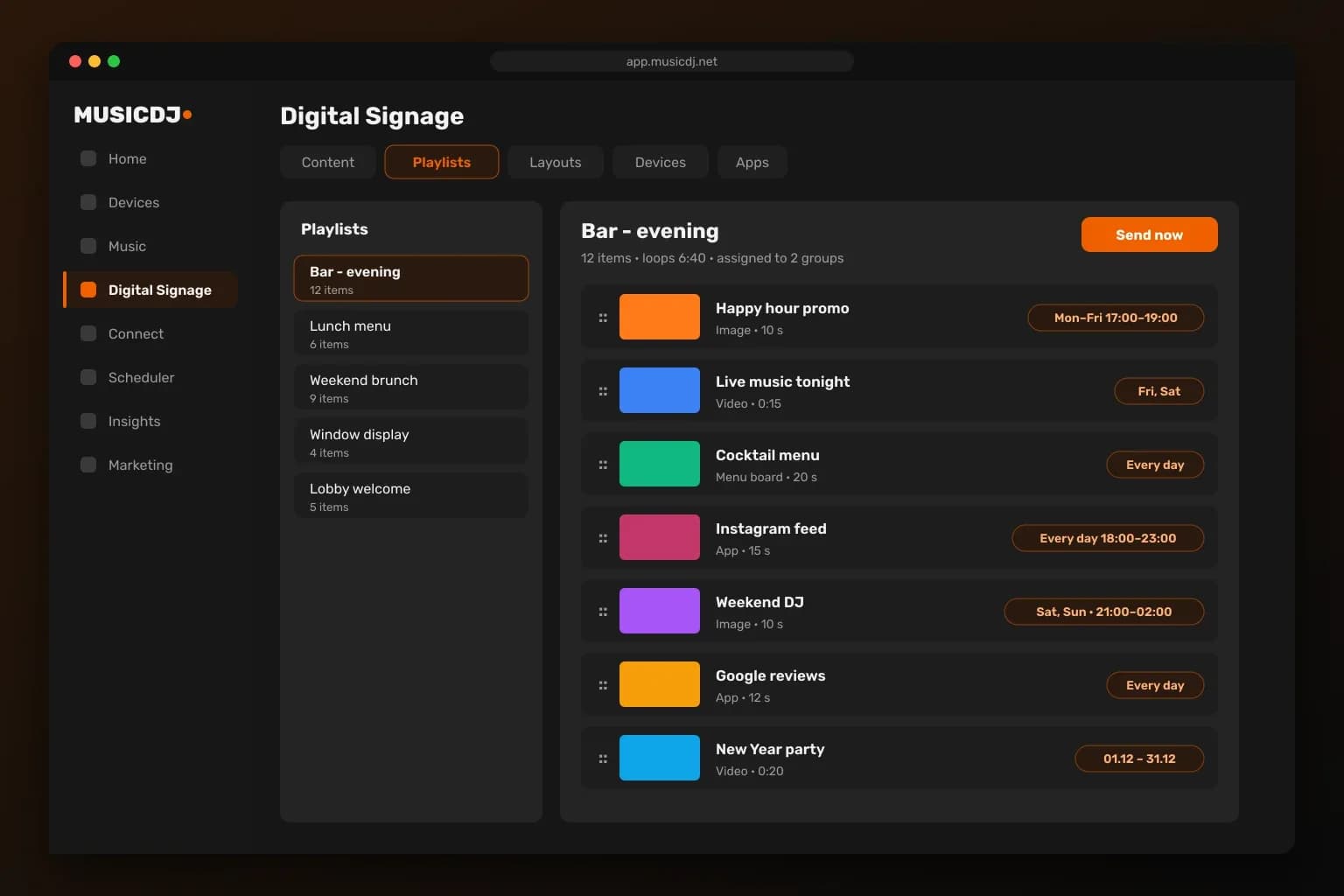
Campaigns that run themselves
Upload once, set the dates and hours and pick the stores. Every screen shows the right campaign at the right time, and ends it on time — no USB sticks, no store visits.
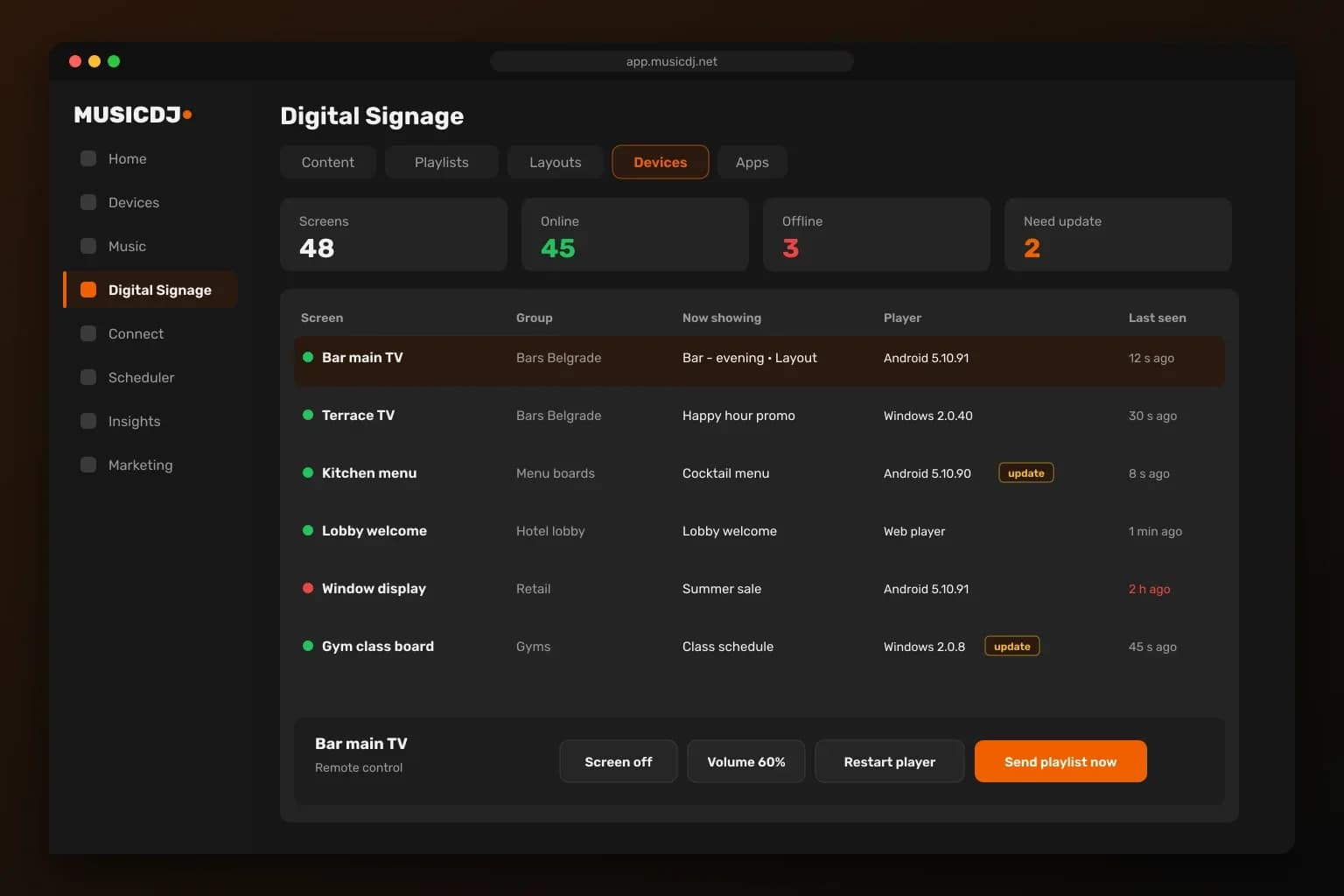
Every store screen, monitored
Know instantly when a screen goes offline or needs an update. Restart players, push content or take a screenshot remotely, across the whole chain.
Get set up the easy way
Start with the screens you have or roll out a complete store package.
Retail — FAQ
Can every store play the same music and campaigns?+
Yes. Group stores and assign music and content once; new stores in the group follow automatically.
Can campaigns start and end by themselves?+
Yes. Each item can have dates, days of the week and hours.
Do portrait screens work?+
Yes. Playlists and layouts work in landscape and portrait.
Can store managers change things locally?+
Yes, within the access you give them — roles limit each manager to their own store.
Do you install store audio?+
Yes. Ceiling and 100V systems in the EU and the Balkans.
Is the music licensed for business use?+
Yes. Our catalog is licensed for commercial use, unlike personal Spotify or Apple Music. Public-performance fees to your local collecting society are paid by the venue, as with any business music.
What hardware do I need?+
Nothing special to start: the Web Player runs in any browser, and the Android and Windows players run on boxes, screens and PCs you may already own. The MUSICDJ PLAYBOX adds offline playback, remote monitoring and silent updates.
How do we know every screen is working?+
Every player is monitored; you see online status and get email alerts when a device goes offline.

Bring MUSICDJ to your stores
Start with one store for free, then roll it out to the whole chain.