Guided tour
See how MUSICDJ works — step by step
A short walk through MUSICDJ Backstage, device management and what your guests see. Prefer to click around yourself? Open the live demo.
1. MUSICDJ Backstage — your dashboard
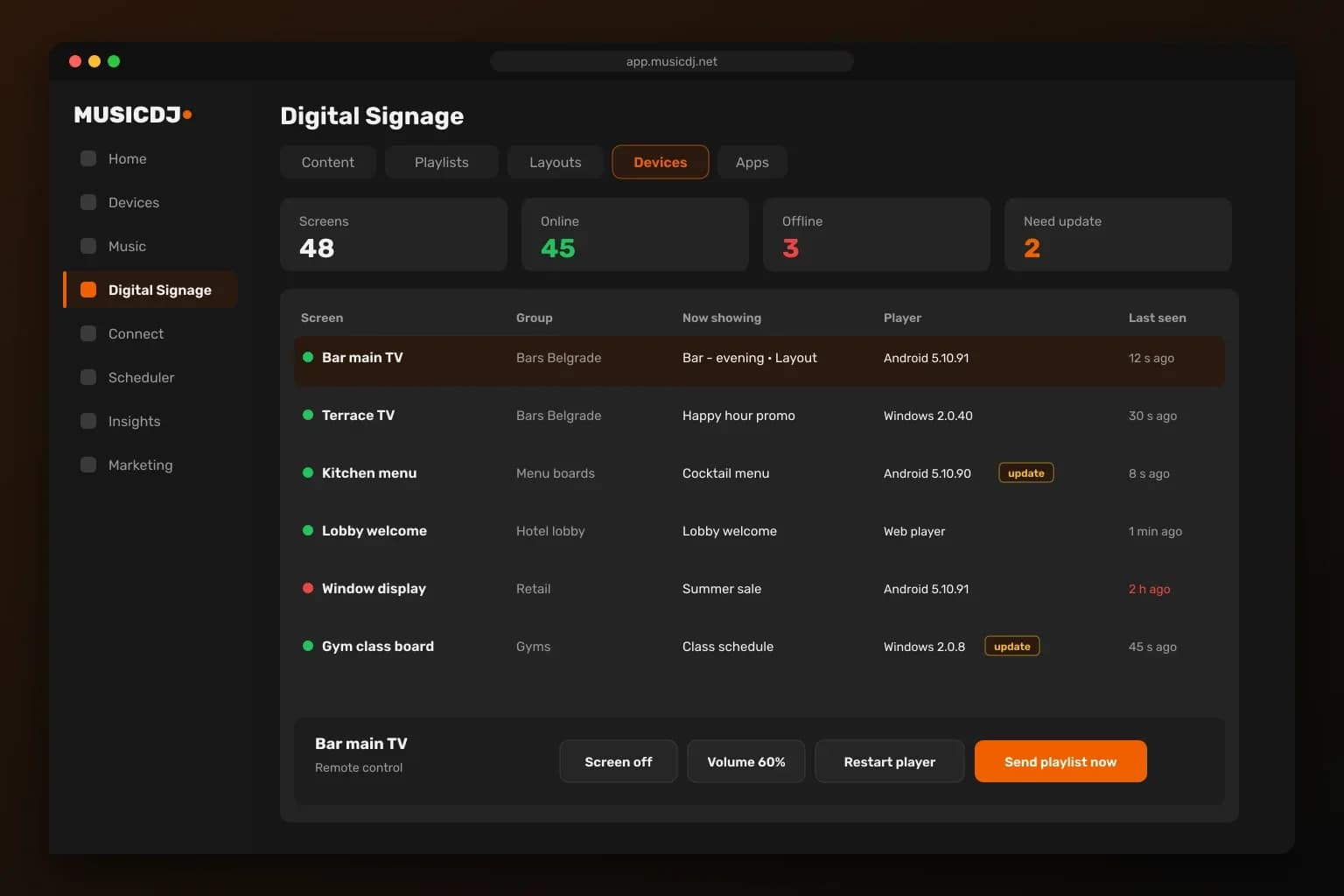
All your content in one place
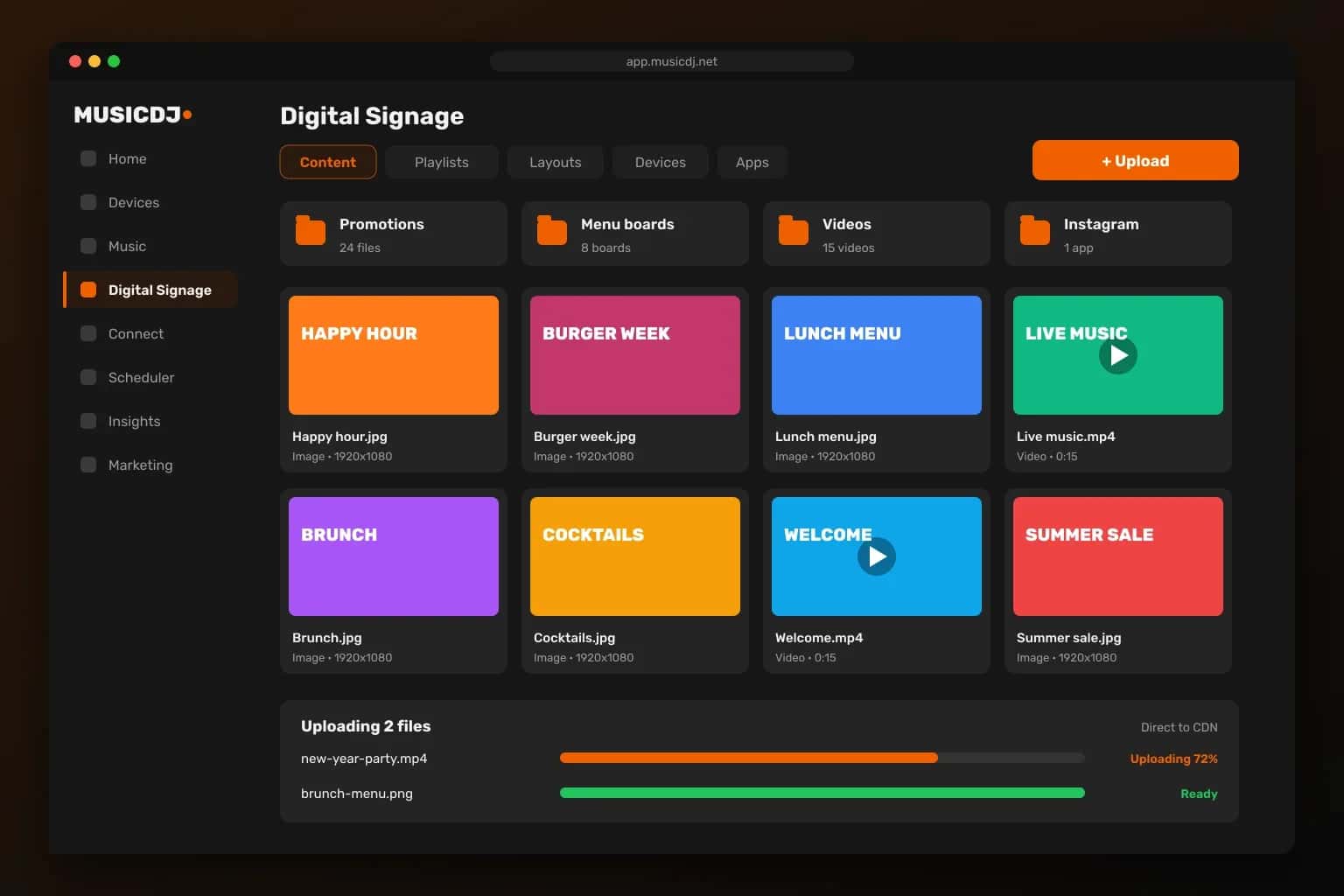
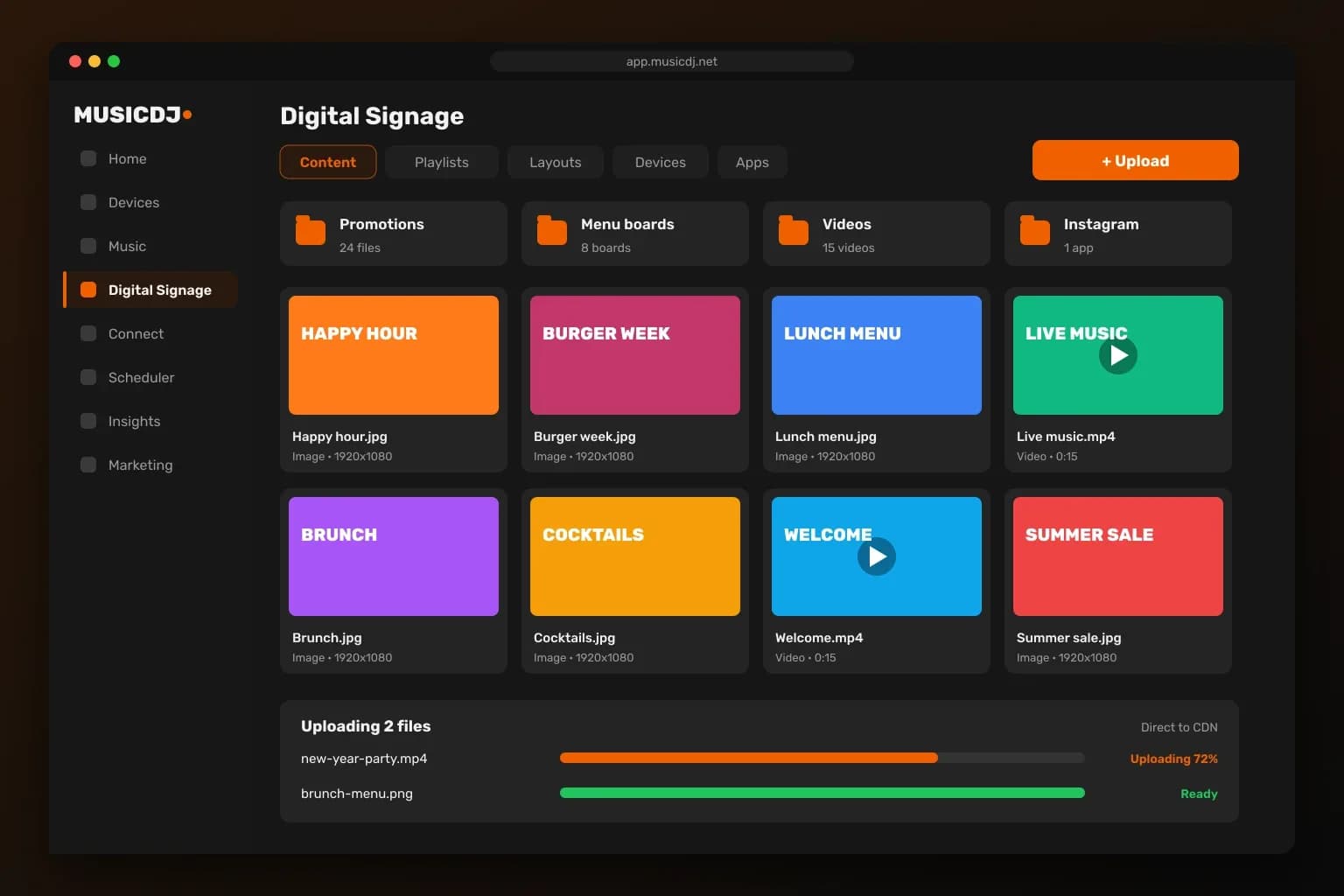
Upload images and videos straight to the CDN with live progress. Images are optimized automatically and everything sits in folders next to your signage apps.
Scheduling that runs itself
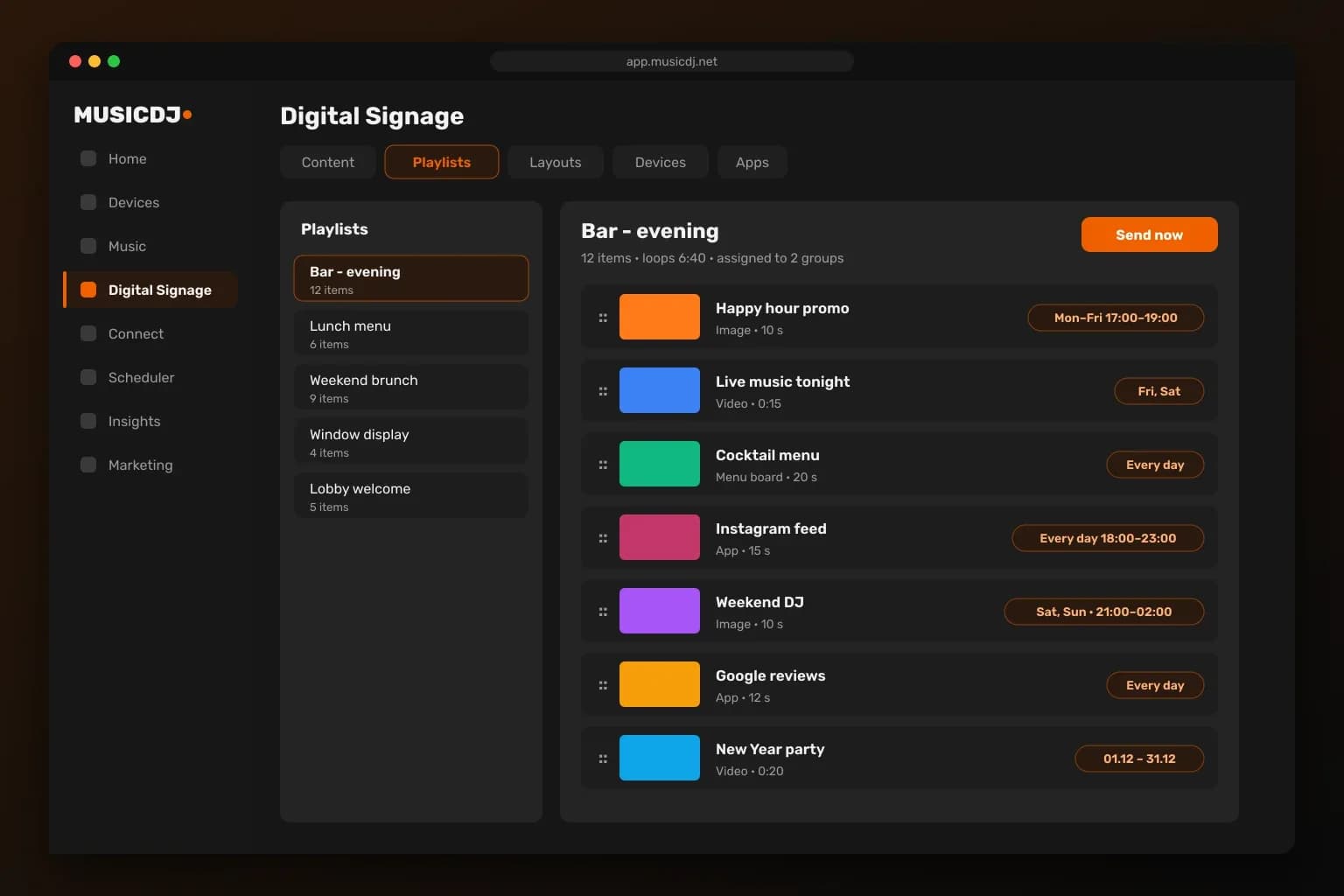
Order items, set durations and choose days, hours and campaign dates. Assign playlists to screens or whole groups and send them instantly.
Split screens without a designer
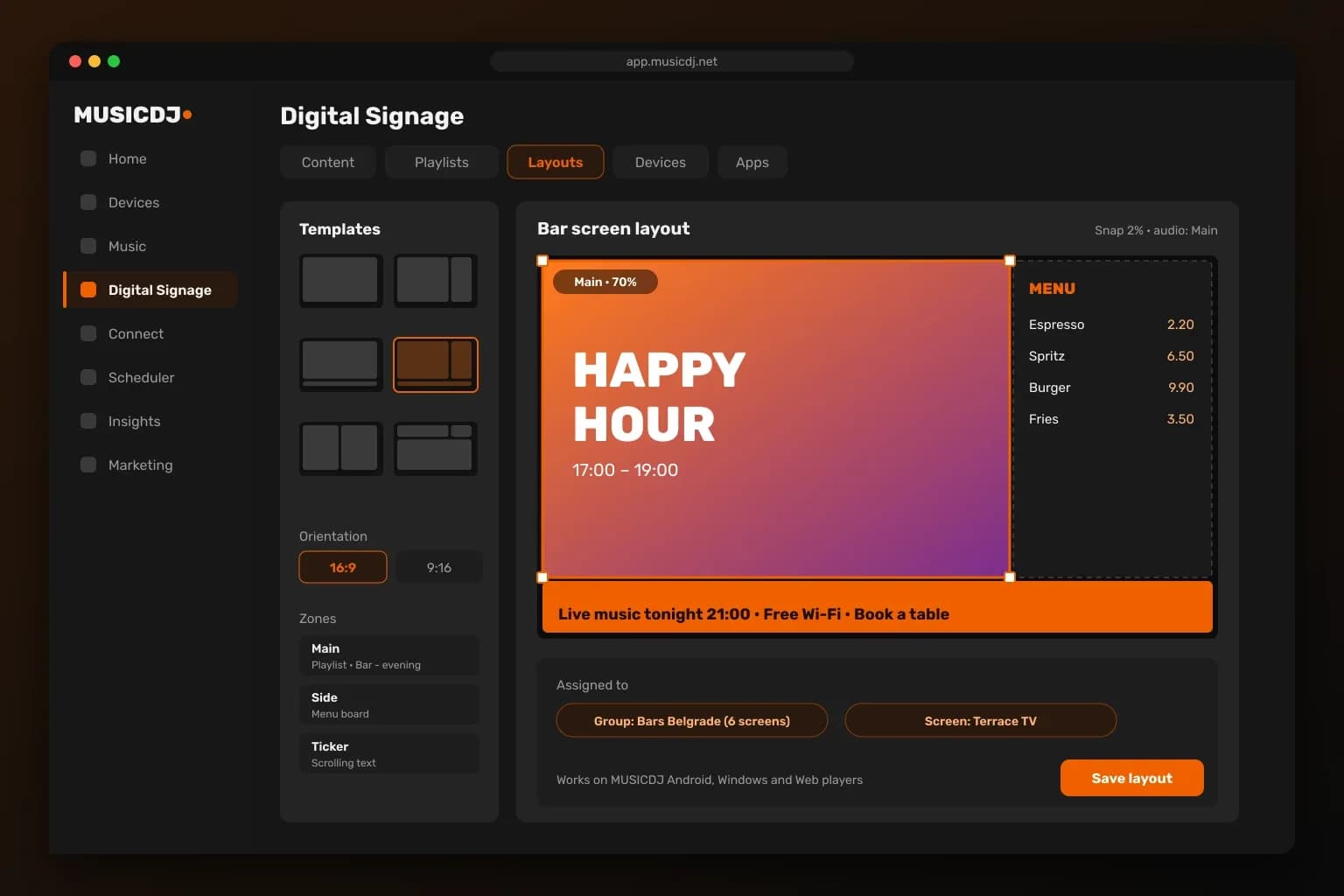
Pick a template, drag zones on a 16:9 or 9:16 canvas and give each zone its own playlist, app or ticker.
Every screen under control
See what each screen is showing, its player version and status; turn screens off, change the volume or push content in one click.
2. Device management — keep every player running
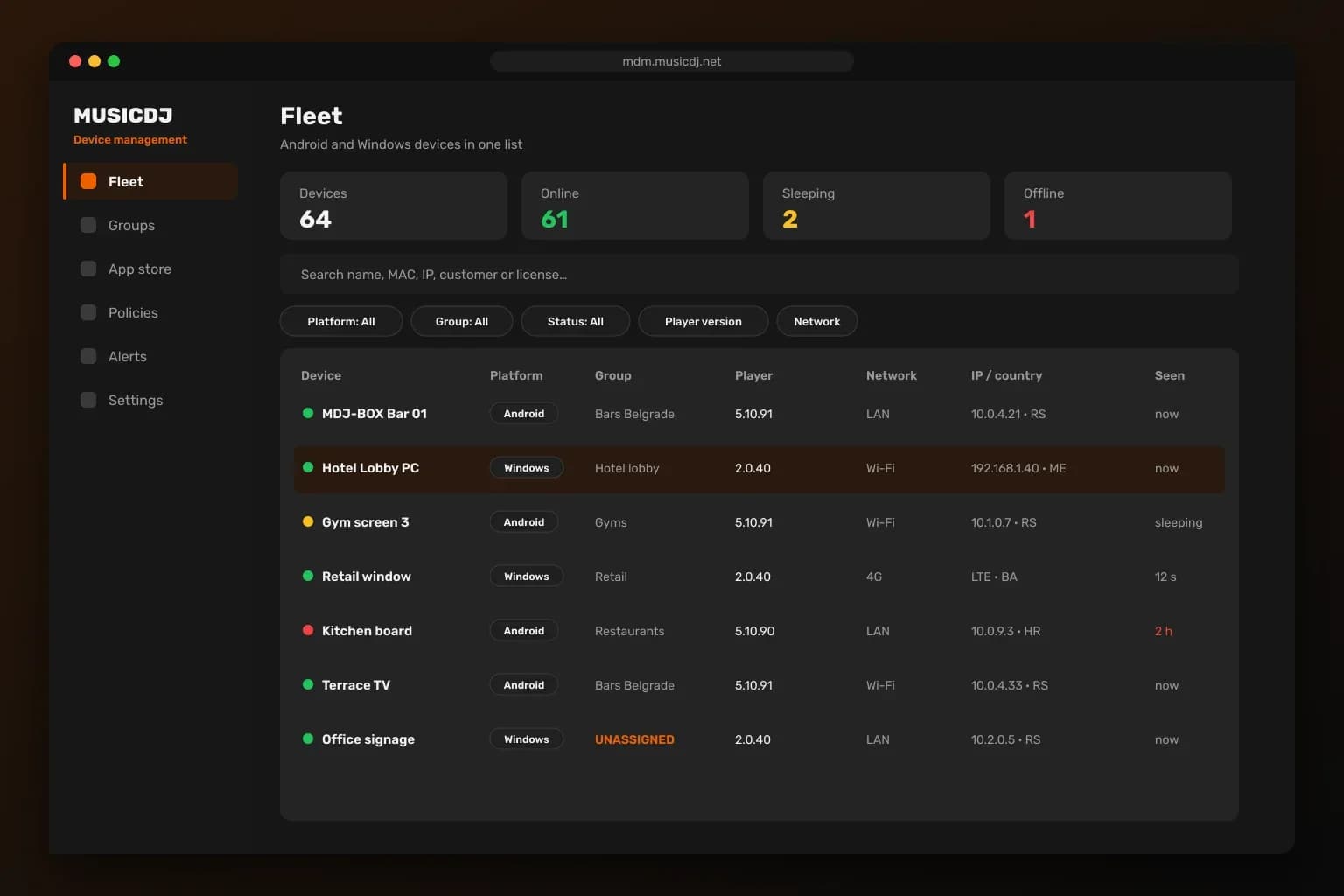
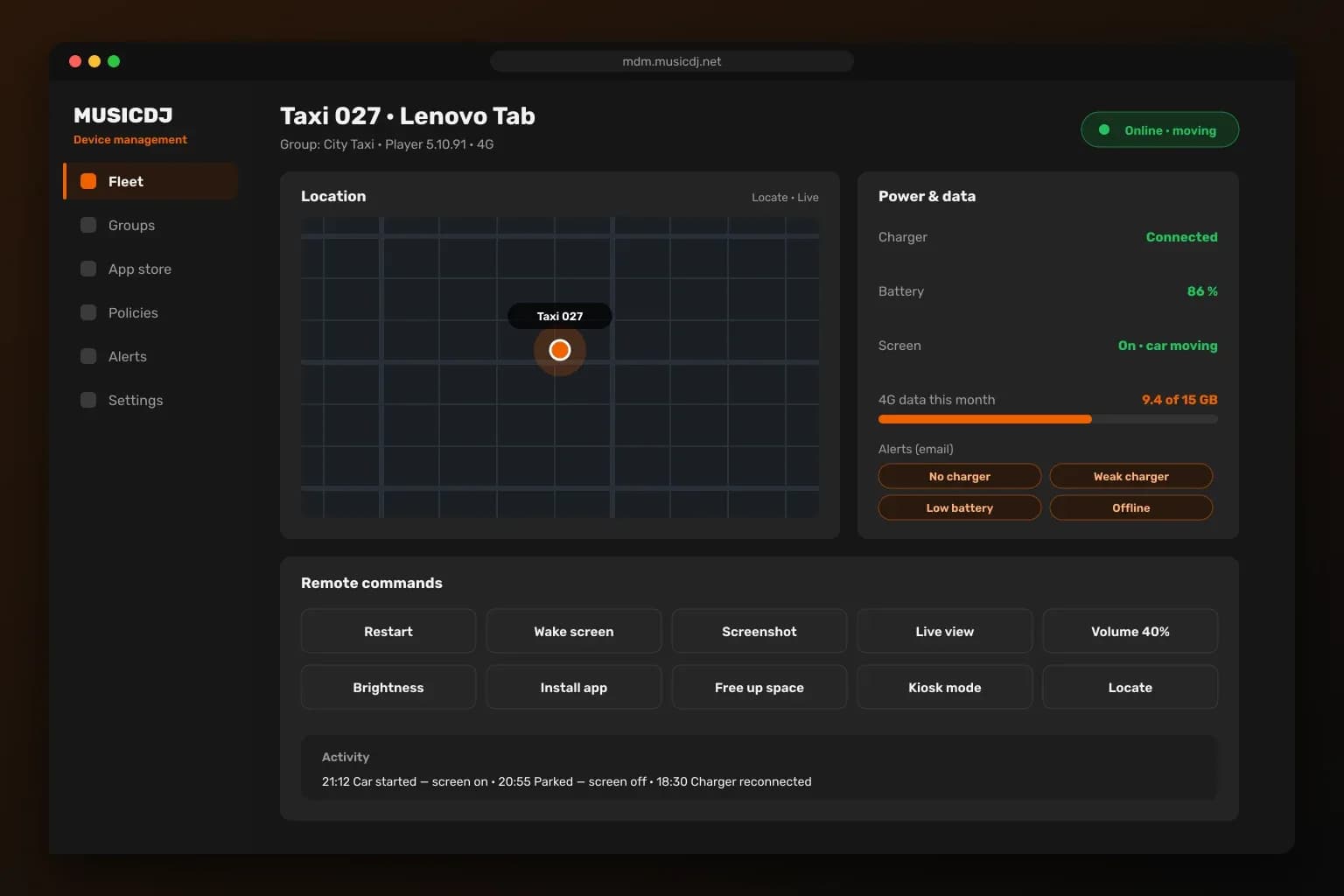
Android and Windows in one list
Status, versions, network, IP and country for every device, with search, filters and groups.
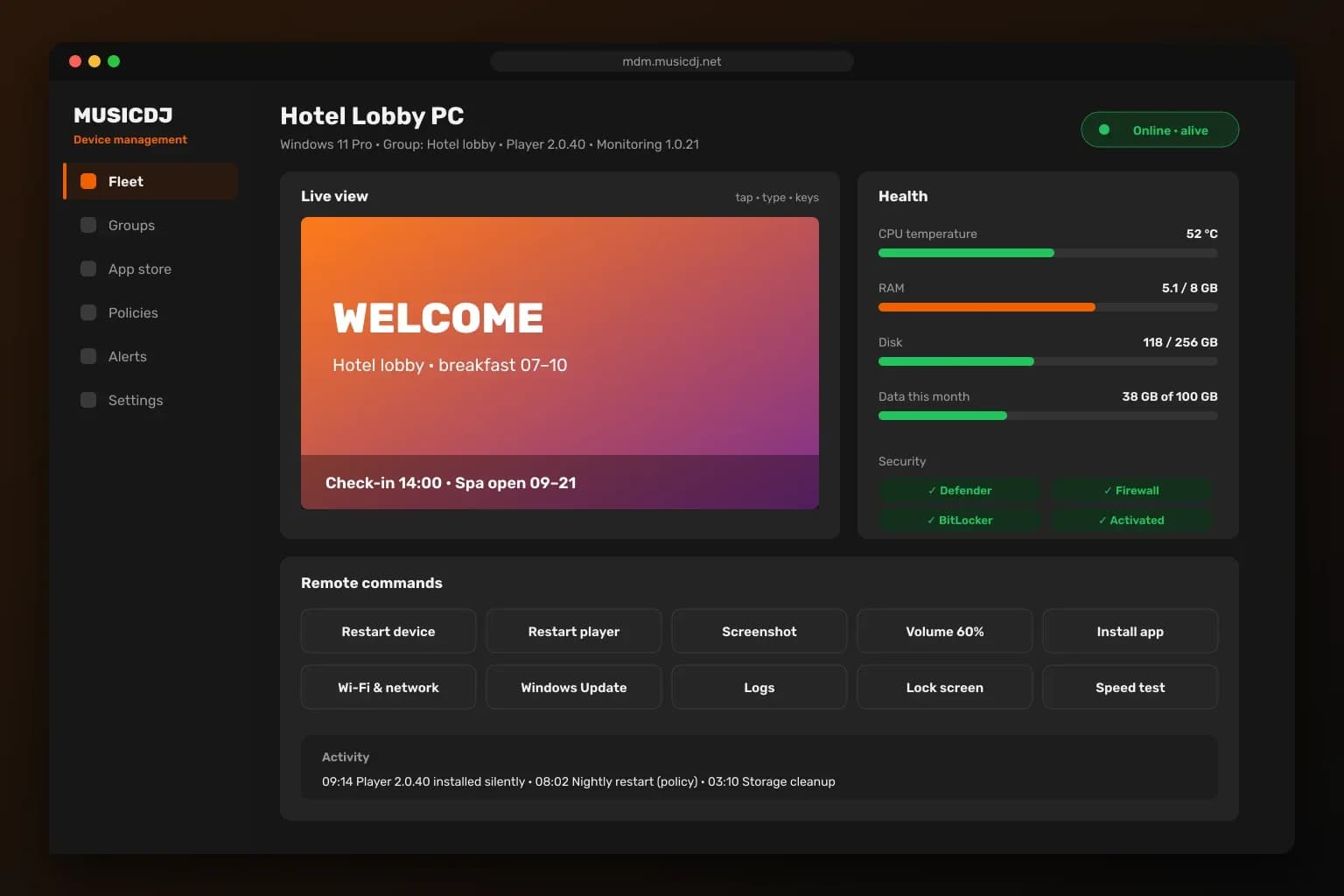
Fix problems remotely
Health, security status, live view, screenshots and remote commands — without a site visit.
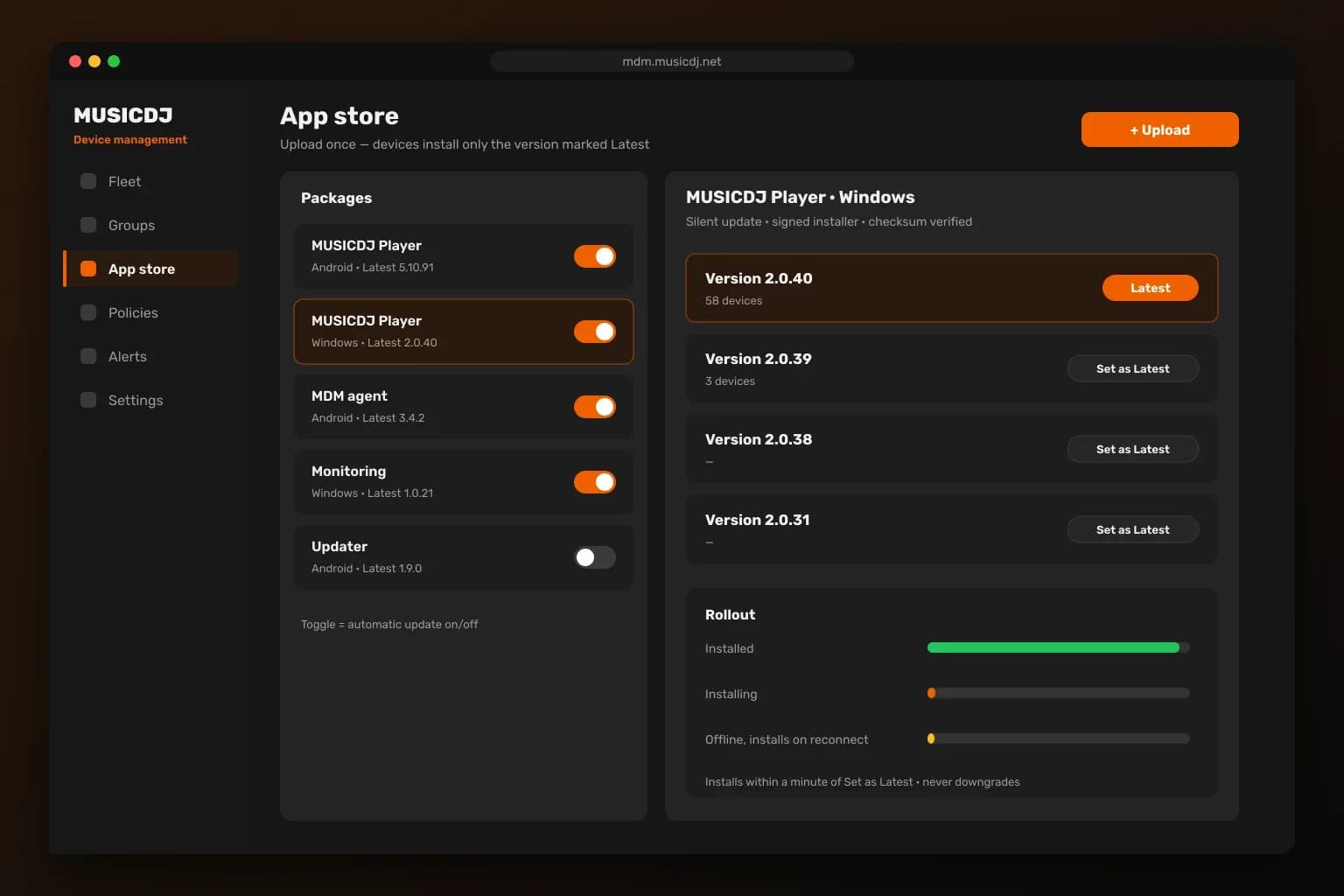
Silent updates
Mark a version as Latest and every device installs it on its own.
Tablets on the road
Location on demand, charger and battery alerts and 4G data use for taxi and transfer tablets.
3. What your guests see
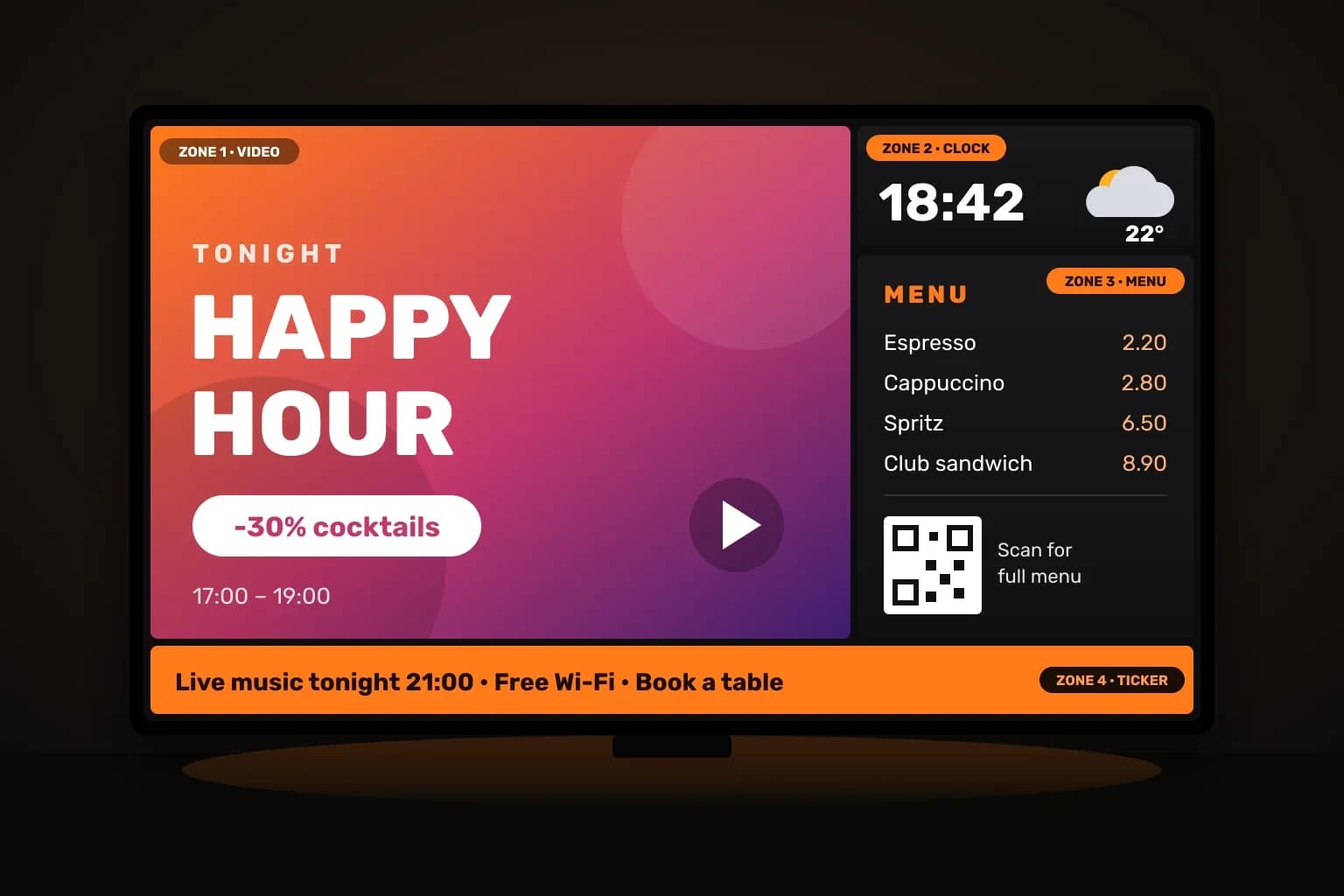


One screen, many messages
Promo video, menu with prices, the time and a ticker — all on one screen.
A menu that sells
Guests scan a QR code for the menu, ordering, reviews and the song that is playing.
Guests pay to play
Guests request songs you approve and can pay to hear them next.
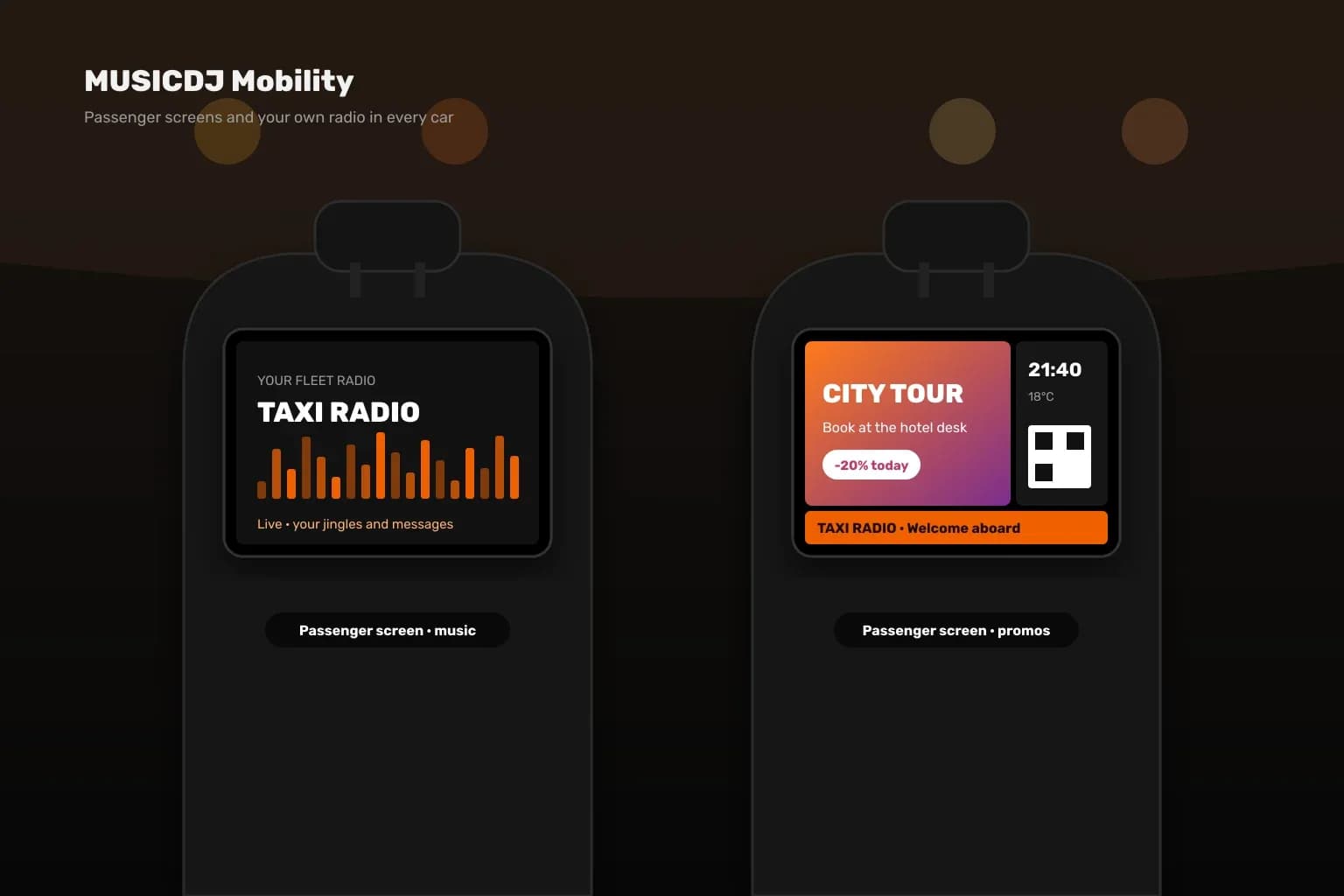
Passenger screens
Promos and your own fleet radio on tablets in taxis and transfer vehicles.